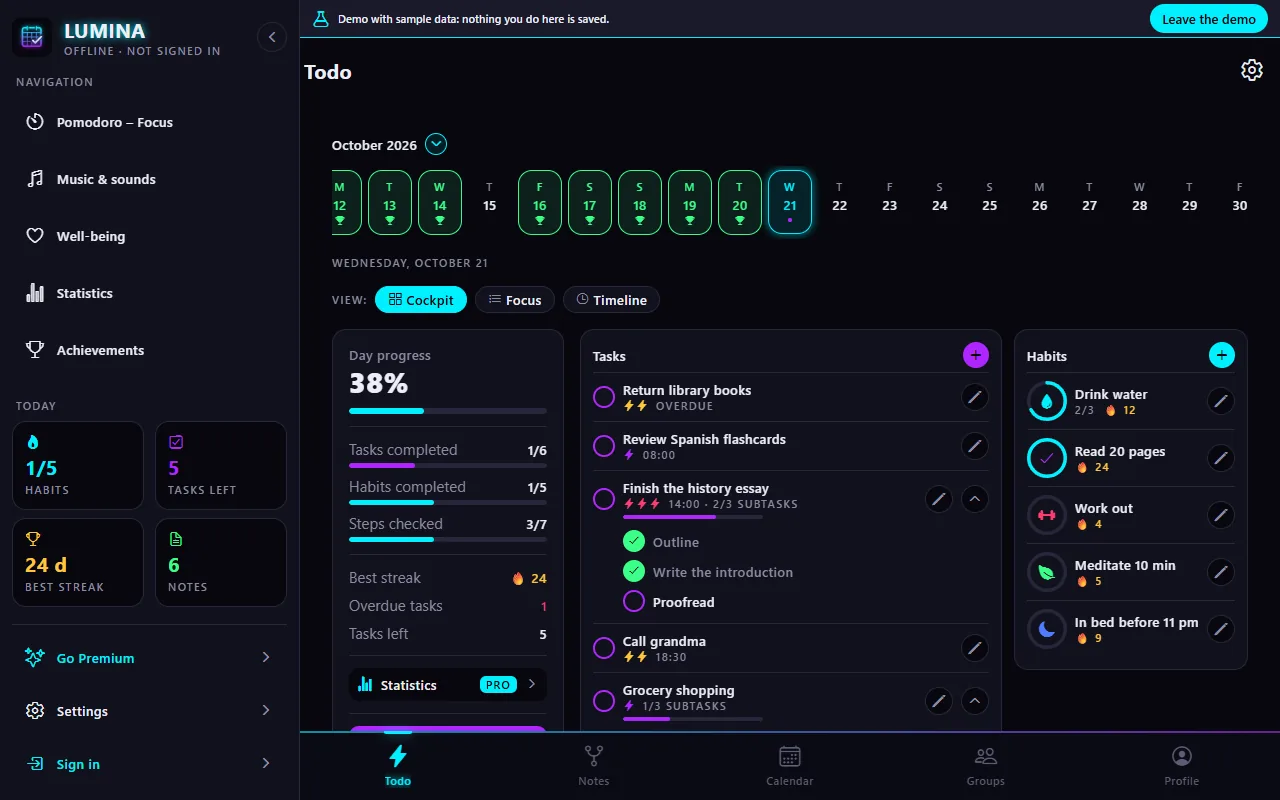
Today
Your whole day on one screen: progress, tasks to do and habits to check off. Three layouts to choose from (Cockpit, Focus, Timeline), and unfinished tasks carry over to the next day.
Open in the demoHere is every screen of the demo and what you do there. “Open in the demo” takes you straight to the screen, in your browser, with sample data.
Your whole day on one screen: progress, tasks to do and habits to check off. Three layouts to choose from (Cockpit, Focus, Timeline), and unfinished tasks carry over to the next day.
Open in the demo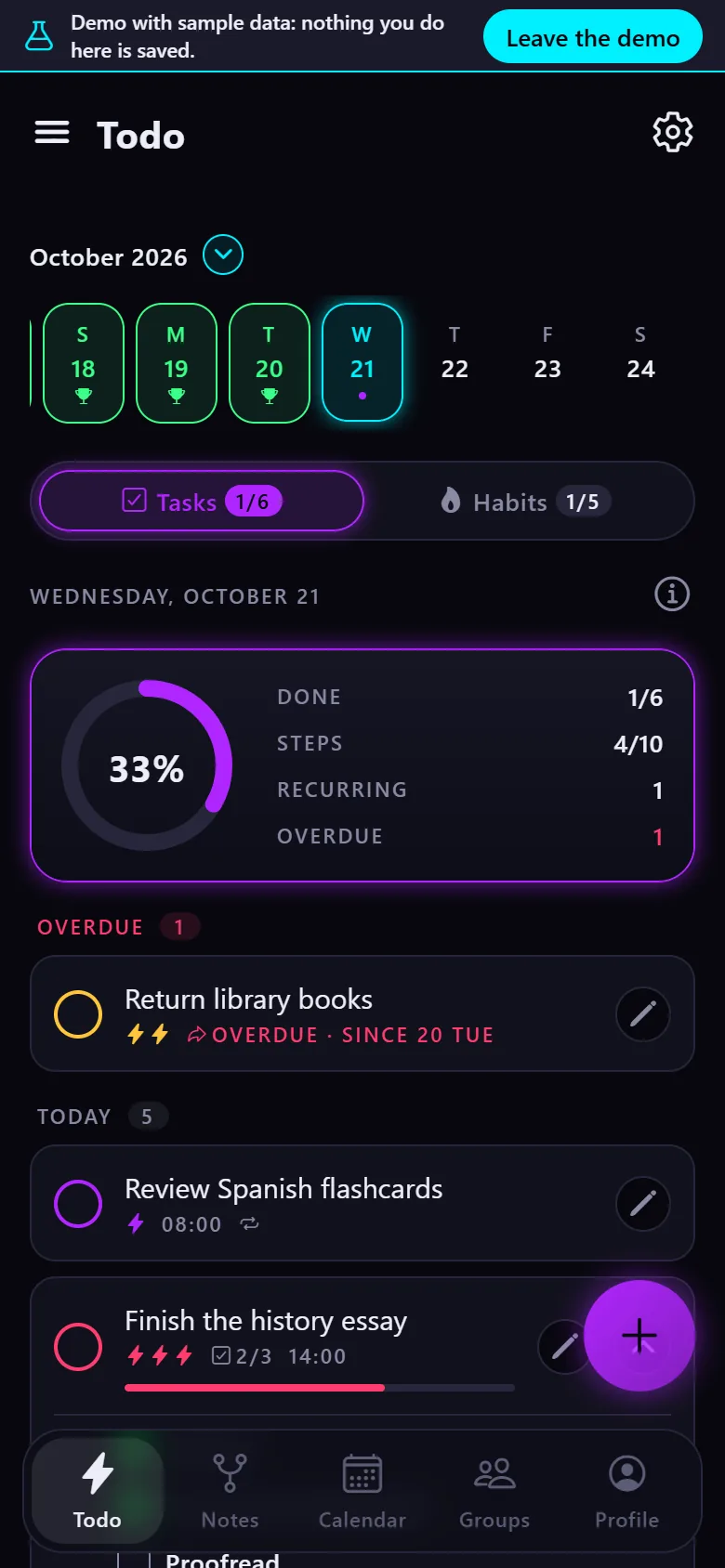
Type “tomorrow 6pm call grandma !!”: the date, time and priority are understood. Subtasks, notes, repeats like Google Calendar, and tasks without a date.
Open in the demo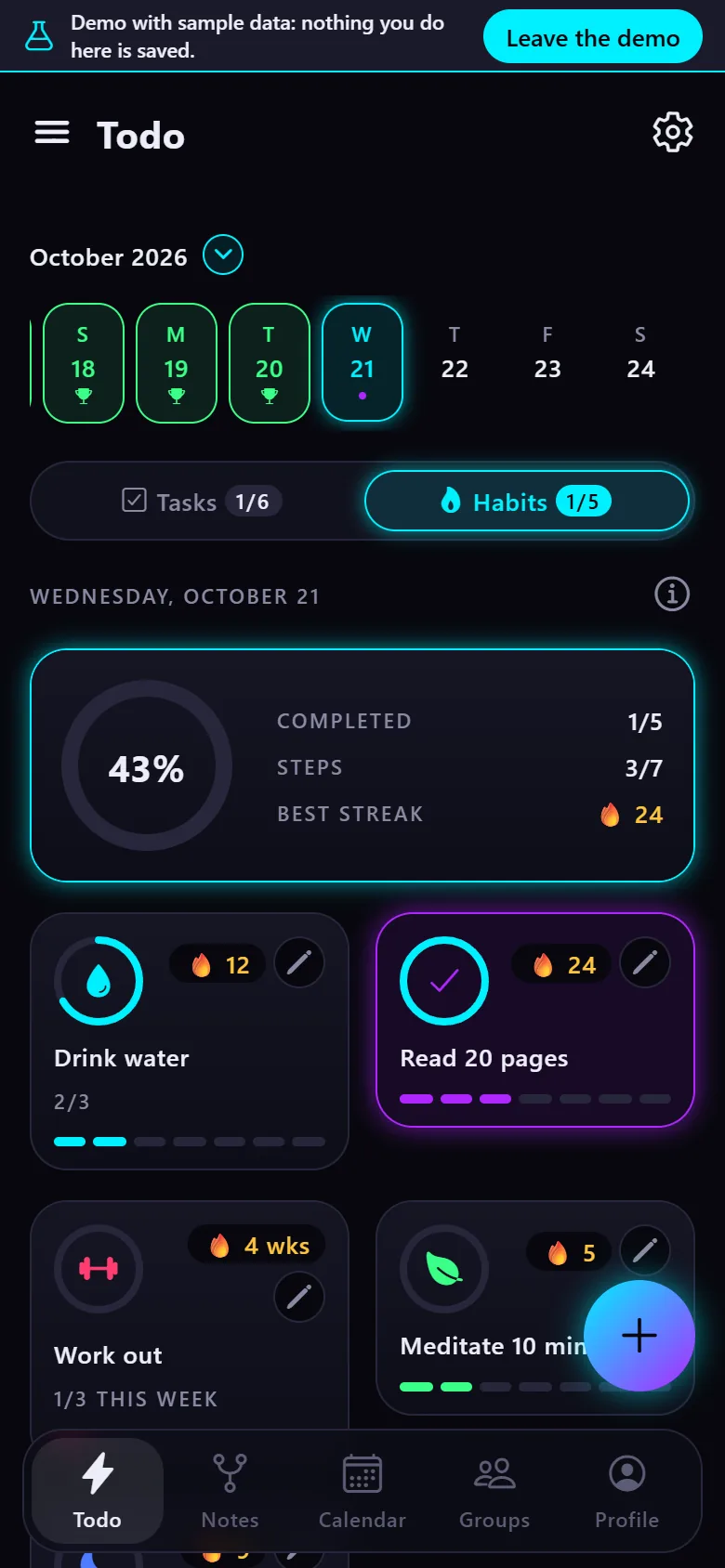
Check off your habits in one tap, with a daily goal, reminders and streaks that grow. Every day, some days, every N days or N times a week.
Open in the demo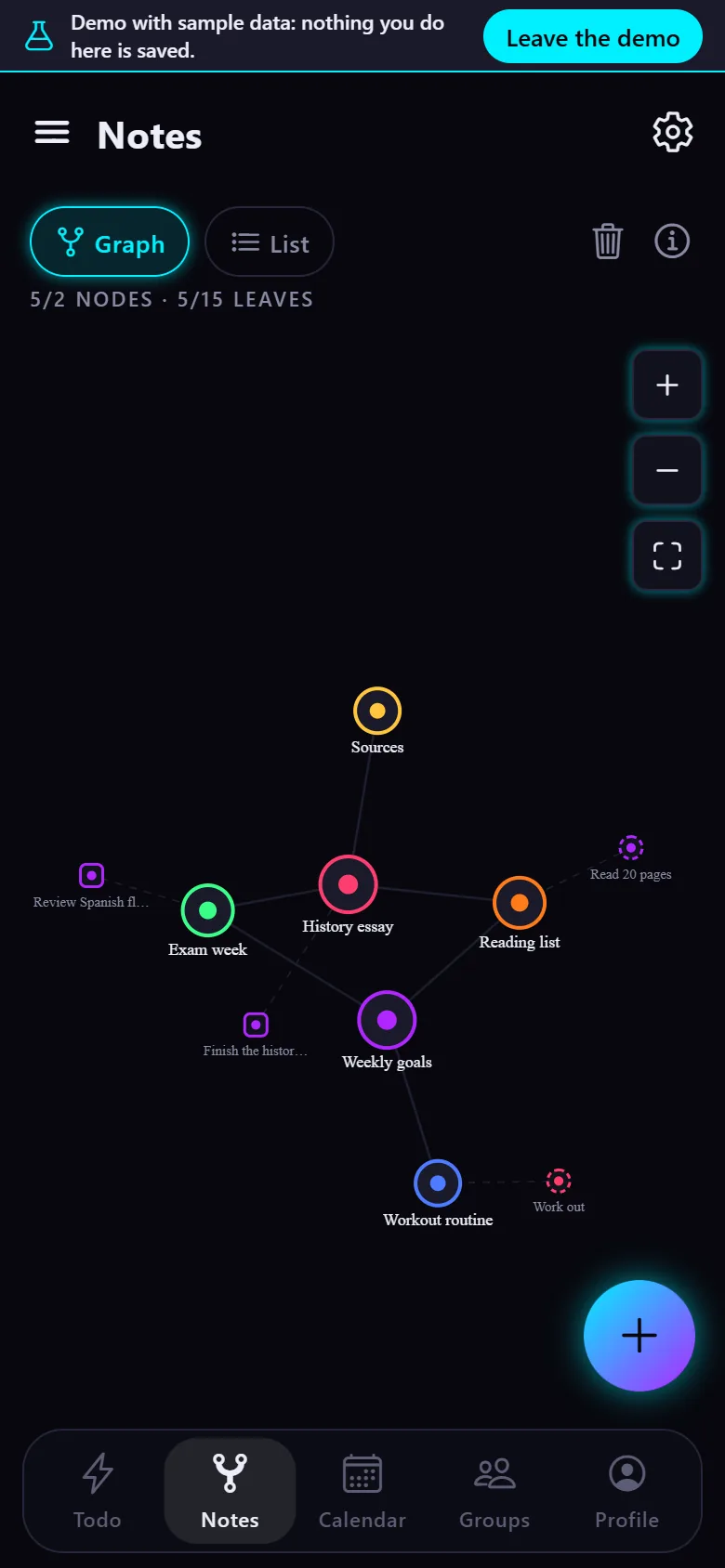
Link your notes to each other, to your tasks and to your habits, then browse them as a graph or a list. A second brain with nothing to set up.
Open in the demo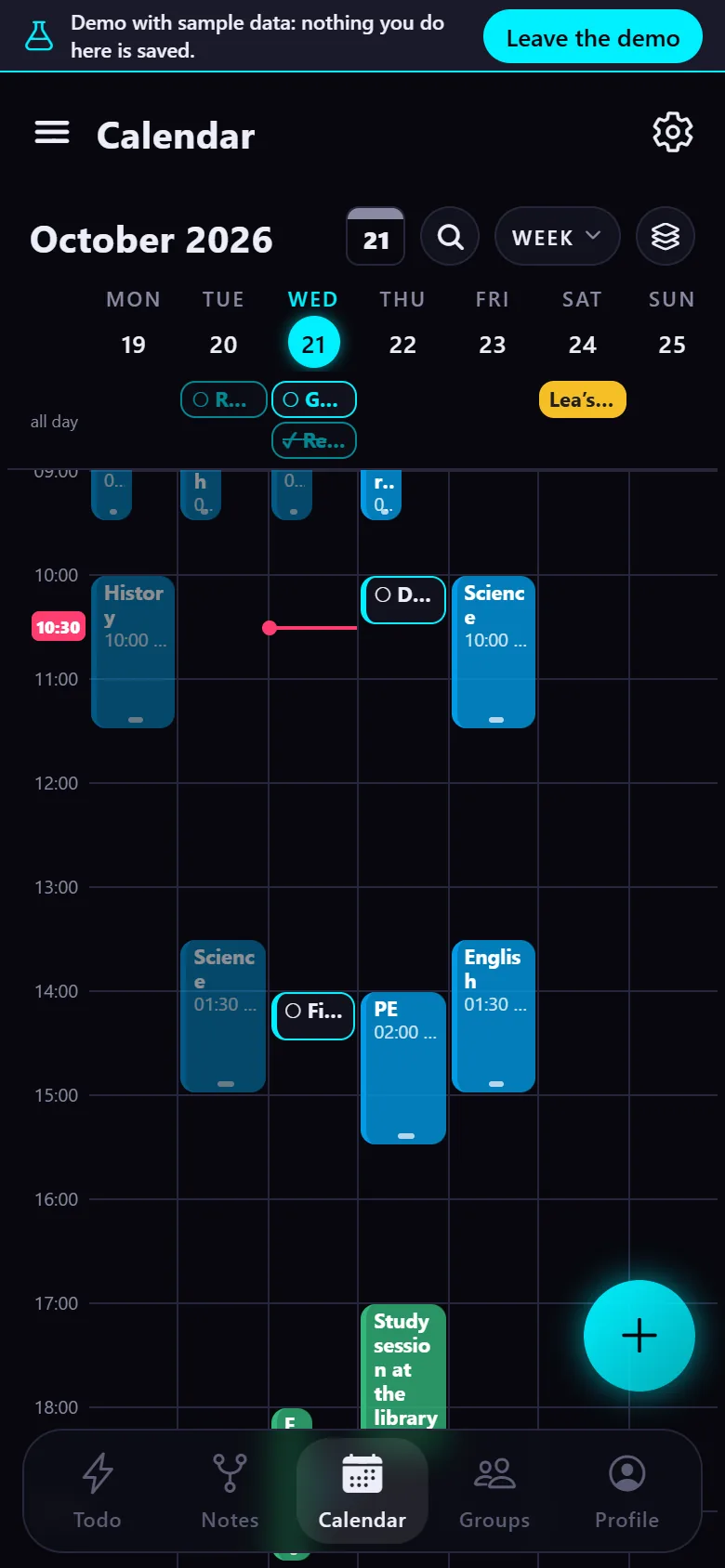
Your Google Calendar events and your tasks in one place, in day, 3-day, week, month, year or schedule view. Create, move and edit events without leaving Lumina.
Open in the demo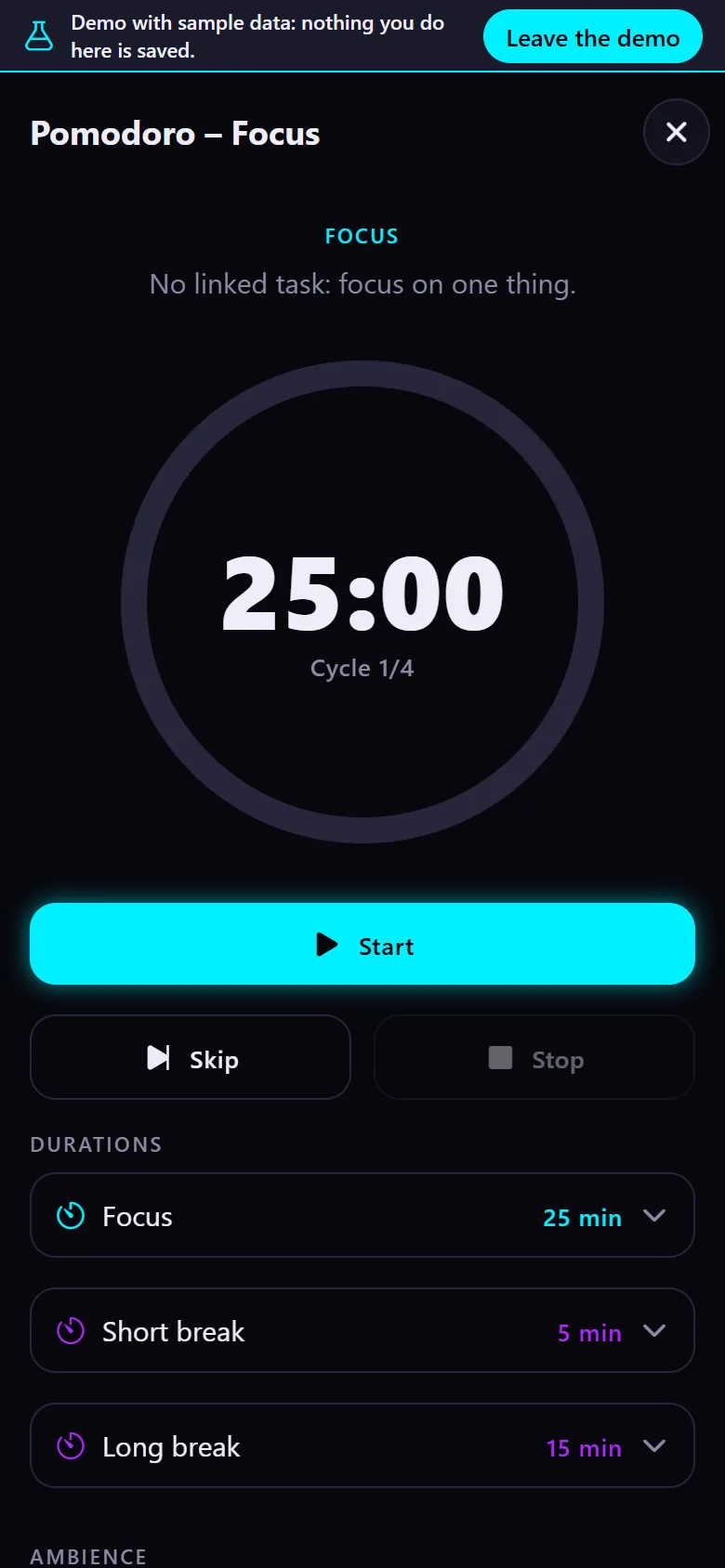
Start a focus cycle with short and long breaks, linked to a task or not, and add background sounds to stay in the zone.
Open in the demo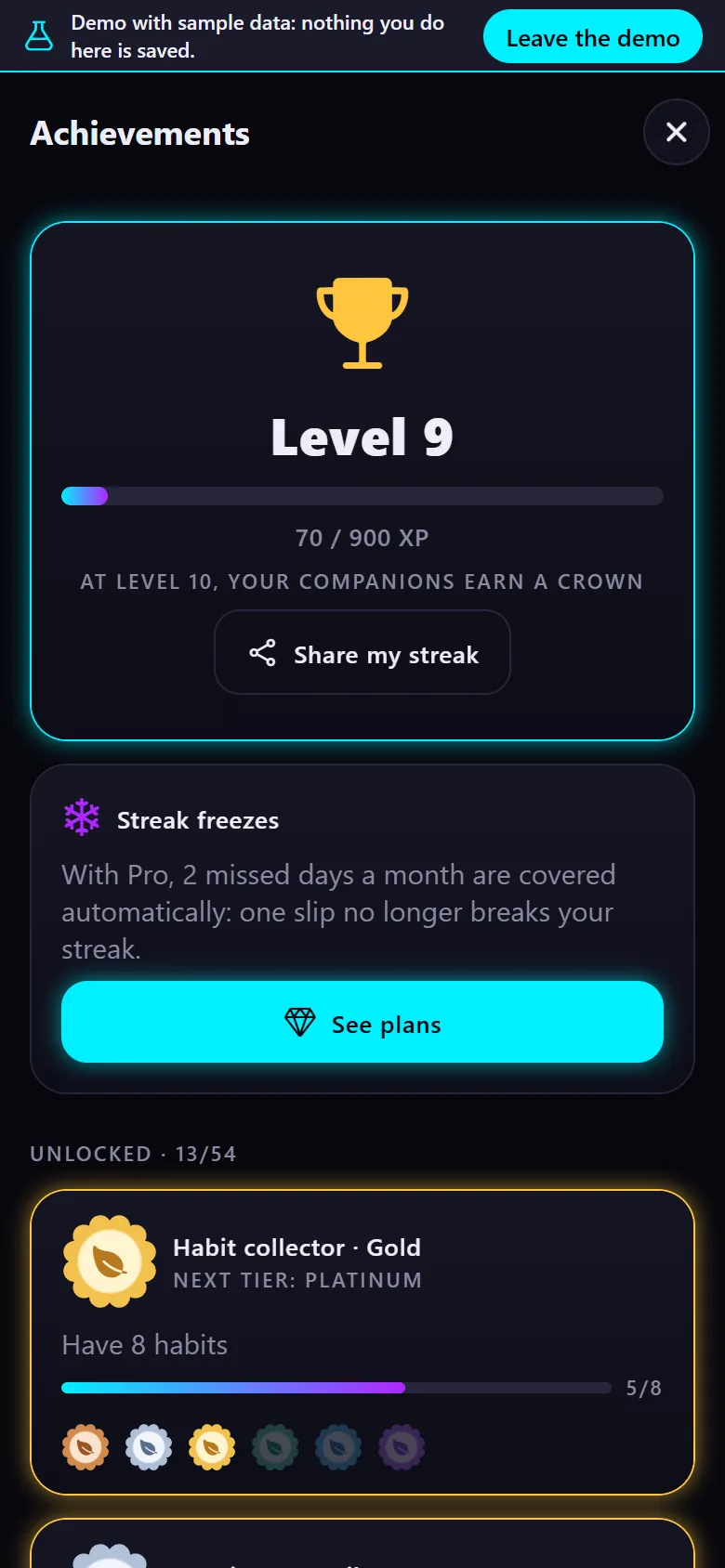
Every task and habit earns XP: level up, unlock achievements and earn tickets for the shop of banners and profile decorations.
Open in the demo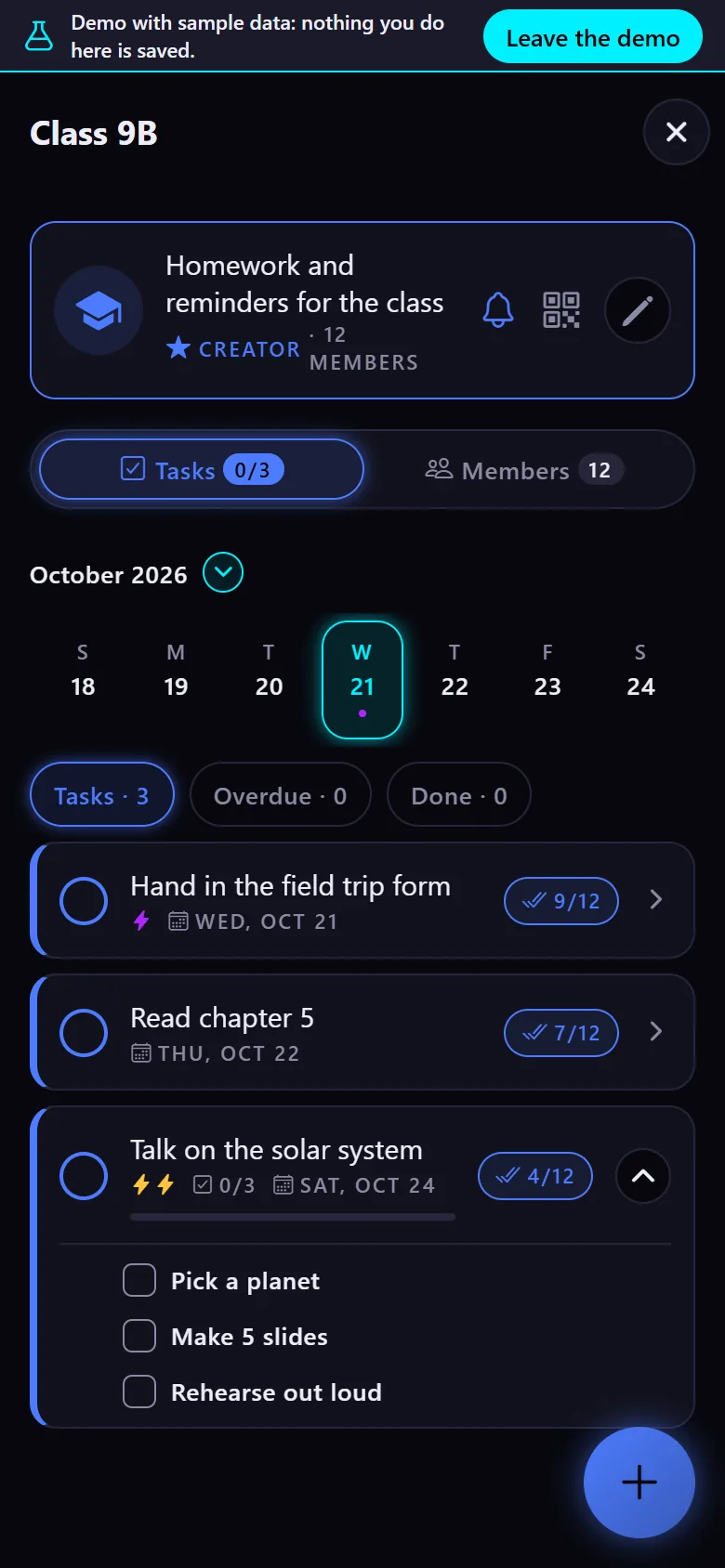
Create a group for your class, team or family, invite people by link, QR code or email, and hand out tasks. Everyone checks off what they did, and organizers see who finished.
Open in the demoThe demo is the real Lumina web app with sample data. Nothing is saved: everything starts over when the page reloads. The calendar and groups are simulated there, since they normally go through Google and the Lumina server.
No. The demo runs in your browser with sample data. Nothing is sent or saved, and everything starts over when you reload the page.
Yes: it is the Lumina web app, with the same screens. Only the calendar and groups are simulated, since they normally go through Google and the Lumina server.
Leave the demo and open the app: it works without an account, and signing in with Google adds sync across your devices, the calendar and groups.
No ads, no account required, on Android and in your browser.